
FORMAT DESK / 01
Image Converter
A focused image converter for PNG, JPG, and WebP: compare quality locally and keep the exact pixel dimensions of your source.
Built for real work
- Live canvas preview
- Local image processing
- Full-size export
Interactive workspace
Upload, adjust, export
Why it works
An image converter that never needs a server upload
Different formats solve different problems. PNG keeps transparency and sharp interface graphics, JPG is widely compatible for photographs, and WebP offers efficient compression for modern websites.
This converter decodes the image in your browser and writes a new file at the original dimensions. Adjust quality for JPG and WebP, inspect the preview, then download the result.
PNG, JPG, and WebP
Choose the format that matches transparency, compatibility, or file-size needs.
Quality preview
Tune JPG and WebP compression before downloading.
Original dimensions
Conversion does not resize the image unless you use the resizer tool.
Generated case study
See the change, pixel for pixel
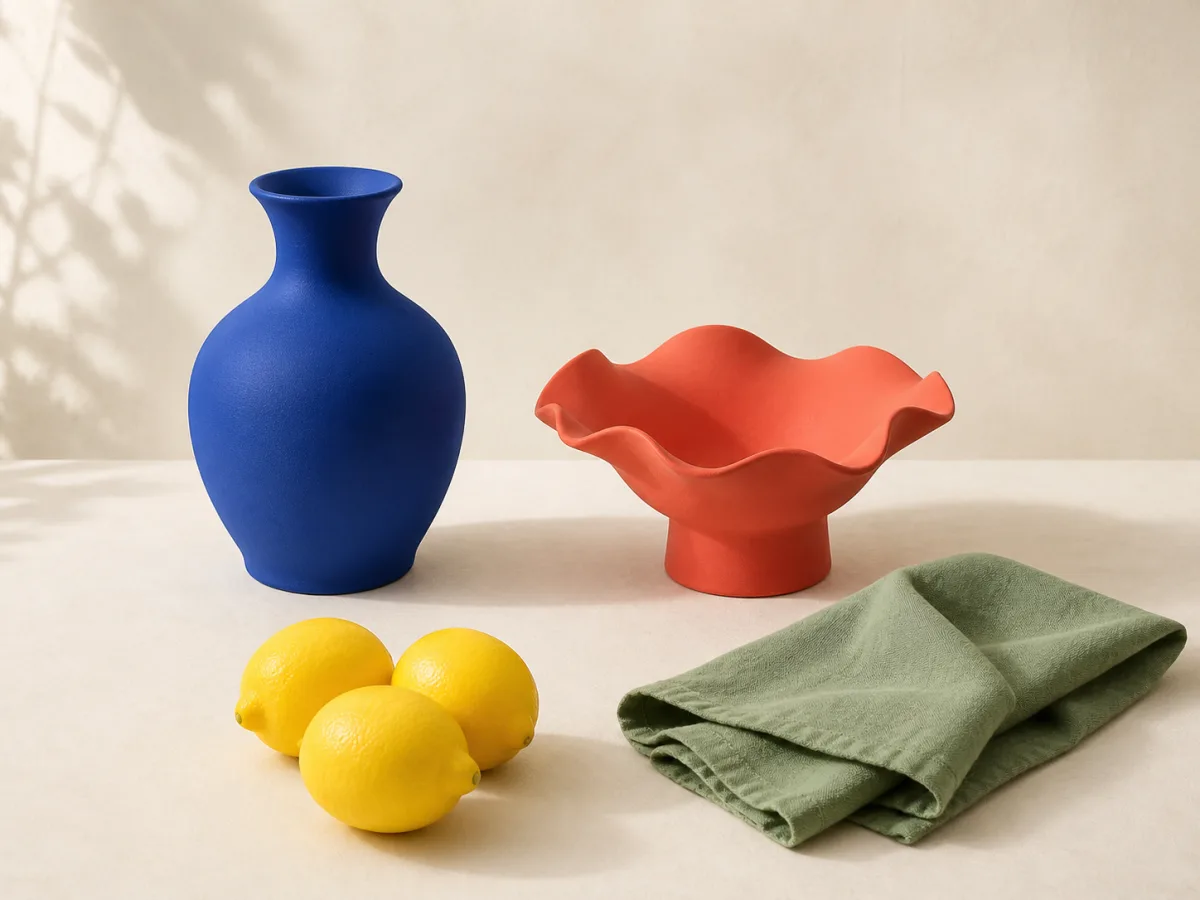
Original example imagery was generated for CreateGlow, then processed for this tool demonstration.
 BeforeAfter
Four clear steps
How to use Image Converter
- 01
Upload the source
Open an image your browser can decode.
- 02
Choose an output format
Select PNG, JPG, or WebP based on your use case.
- 03
Adjust quality
Balance clarity and file size for compressed formats.
- 04
Download the converted file
Save the new format while keeping the source untouched.
Good to know
Frequently asked questions
Keep creating
Related image tools
Image Color Changer
Select a color directly from your image, replace it with a new shade, and keep the original texture, light, and detail intact.
Open toolRemove Color
Click the color you want gone, refine the range, and turn matching pixels transparent—without touching the rest of the image.
Open toolInvert Image Colors
Turn any image into a color negative or blend the inversion for surreal palettes, accessibility checks, and experimental artwork.
Open toolBatch Image Resizer
Resize a group of photos to consistent dimensions while preserving aspect ratio and keeping every source file on your device.
Open tool