MODE STUDIO

Photo to Video AI Free — Turn Images into Videos Instantly

Turn photos into videos with AI free — no watermark, no credit card. Upload a picture, describe the motion, download instantly. Memories, portraits, pets.

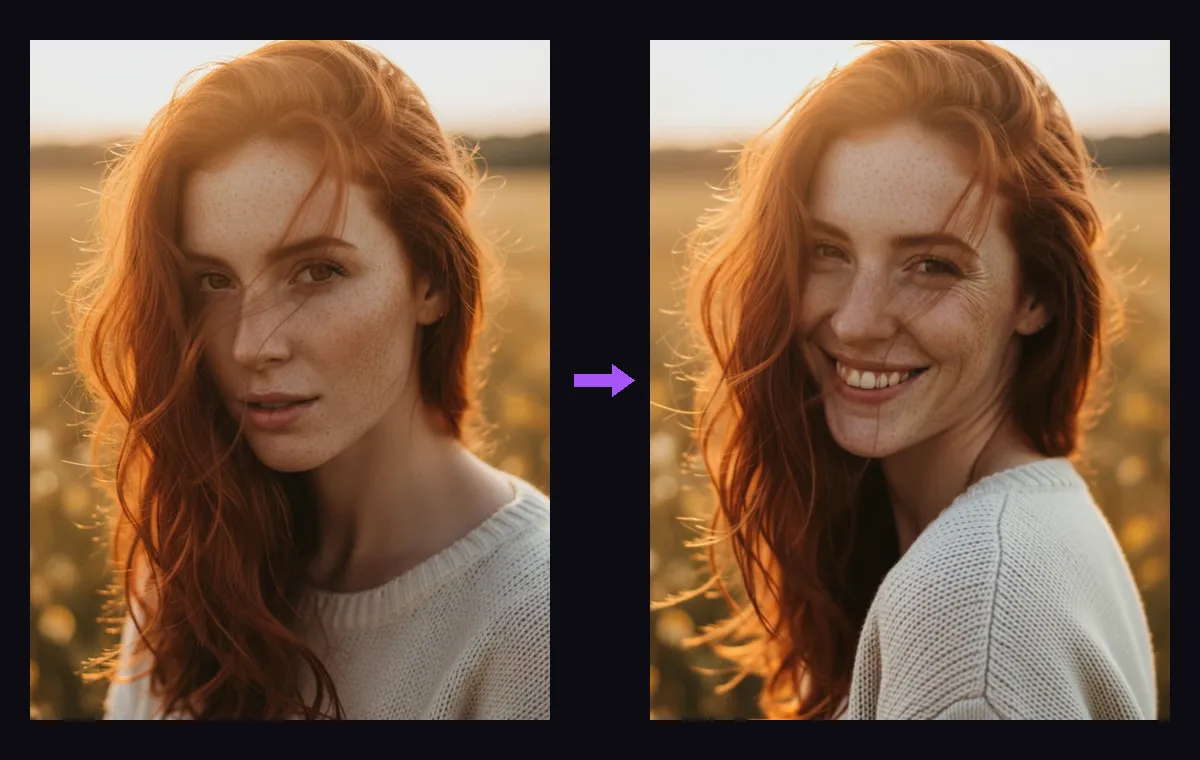
Photo to video AI free example — a still portrait turned into an animated smiling video

Great quality at speed, with audio. Best default for effects.

Upload, drop, or paste an image
or use a URL

Les générations échouées sont automatiquement remboursées. N'utilisez que des médias dont vous détenez les droits.

Votre vidéo apparaîtra ici.

30+

AI video & image models in one studio

0

watermarks on any output

100%

failed generations auto-refunded

Modèles disponibles

Seedance 2.0 Fast

best

Great quality at speed, with audio. Best default for effects.

165 credits · 5s

Seedance 2.0

Flagship quality up to 4K, native audio, 4–15s clips.

205 credits · 5s

Veo 3.1 Fast

new

Google's Veo 3.1 fast tier — native audio, reference-image support.

40 credits

Veo 3.1

Google's flagship Veo 3.1 Quality — top fidelity, native audio.

235 credits

Veo 3.1 Lite

Google video at pocket price — same engine, lite tier.

25 credits

Kling 3.0

new

Kuaishou flagship — pro 1080p with sound effects, 3–15s.

135 credits · 5s

HappyHorse 1.1

new

Cinematic realism at native 1080p, 3–15s clips.

145 credits · 5s

Grok Imagine Video

cheapest

xAI video with audio — up to 30s, unbeatable price.

18 credits · 6s

Grok Imagine 1.5

new

xAI’s next-gen video preview — sharper motion, still 3/s.

24 credits · 8s

Wan 2.7

Alibaba’s newest — native 1080p with audio, 2–15s clips.

120 credits · 5s

Wan 2.2 Turbo

Budget image-to-video. Fast, solid motion.

80 credits

Kling 2.1

The model behind the viral AI hug/dance trend videos.

25 credits · 5s

Hailuo 2.3

Expressive character motion, strong for people and pets.

30 credits · 6s

Every photo is a paused moment — photo to video AI presses play. Upload a picture, type one sentence about what should happen next, and a video model imagines the seconds that follow: hair moves in the wind, the camera drifts closer, your dog actually catches the ball. CreateGlow runs the strongest animation models on one page — Kling 3.0, Seedance 2.0, Google Veo 3.1, HappyHorse, Wan 2.7, Hailuo 2.3 and Grok — so the same photo can become a subtle living portrait or a full cinematic shot, and every download is clean: no watermark, no logo, no strings.

The magic is in what people animate. Old family photos are the most moving use case — a faded snapshot of your grandparents becomes ten seconds of them smiling and turning toward the camera (our one-click Old Photo Revive effect is tuned exactly for this). Portraits become blinking, breathing videos that stop thumbs on Instagram. Product shots turn into slow camera orbits that look like a studio rig. Pets do the things pets do, on cue. Travel photos regain their weather: clouds roll, water glitters, crowds move.

Getting a good result is mostly about the sentence you type. The photo fixes the first frame — composition, subject, lighting are locked in — so your prompt only has to describe motion: “she turns her head and smiles”, “slow push-in, snow starts to fall”, “the coffee steams, camera slides right”. Small, physical, camera-aware descriptions beat vague ones. If you skip the prompt entirely, the model invents tasteful ambient motion, which is often exactly right for memories.

Model choice changes the personality of the motion. Kling 3.0 is the people specialist — expressions, gestures and dance look natural, and it adds synchronized sound effects. Seedance 2.0 follows multi-step directions best and stays coherent when a lot moves at once. Veo 3.1 gives the most cinematic light and camera work with native audio. Hailuo 2.3 and Kling 2.1 are the budget picks at 5 credits per second — perfect for testing which photos animate well. HappyHorse and Wan 2.7 render true 1080p for detail-critical shots.

It is genuinely free to try: signing up grants free credits — enough for several videos before you pay anything — and failed generations refund automatically. Clips run 3 to 15 seconds depending on the model, in vertical 9:16, square or widescreen. When a result deserves more, chain the tools: extend it with Video Extend, restyle it with Video to Video, or generate a brand-new starting frame with Text to Image and animate that.

Comment ça marche

  1. 1

    Upload your photo above — a sharp subject and simple background animate best; portraits, pets and products are ideal.

  2. 2

    Describe the motion in one or two sentences: what the subject does, then the camera (“slow zoom in”, “orbit left”). Leave it empty for natural ambient motion.

  3. 3

    Pick a model: Kling 3.0 for people and expressions, Seedance 2.0 for complex directions, Veo 3.1 for cinematic light, Hailuo or Kling 2.1 to test cheaply.

  4. 4

    Choose duration and format — 9:16 vertical for TikTok, Reels and Shorts; 16:9 for YouTube.

  5. 5

    Hit Generate. Most photos become video in one to three minutes; the price in credits is shown on the button before you click.

  6. 6

    Download the clean, watermark-free video — or send it onward to Video Extend to make it longer.

Plus d'outils IA

Real photo to video examples — made with this exact tool
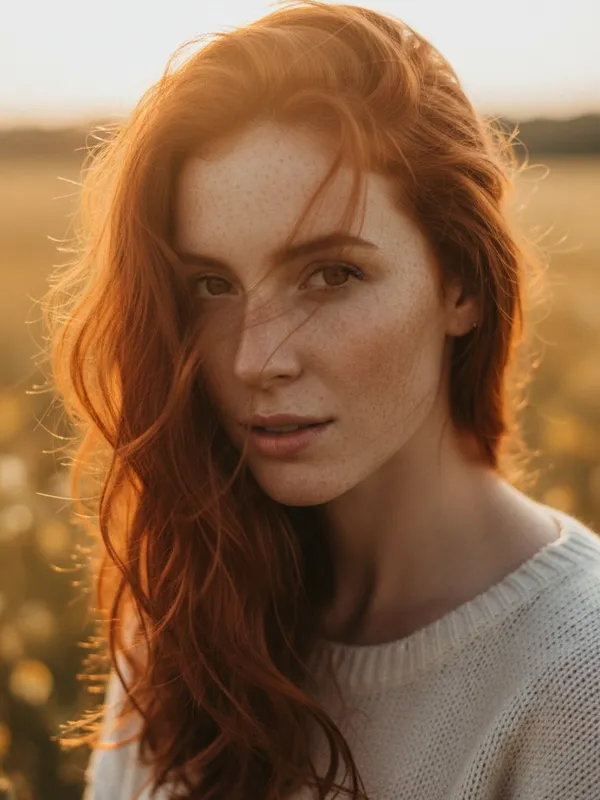
Photo to video AI free input — original golden-hour portrait photoBEFORE
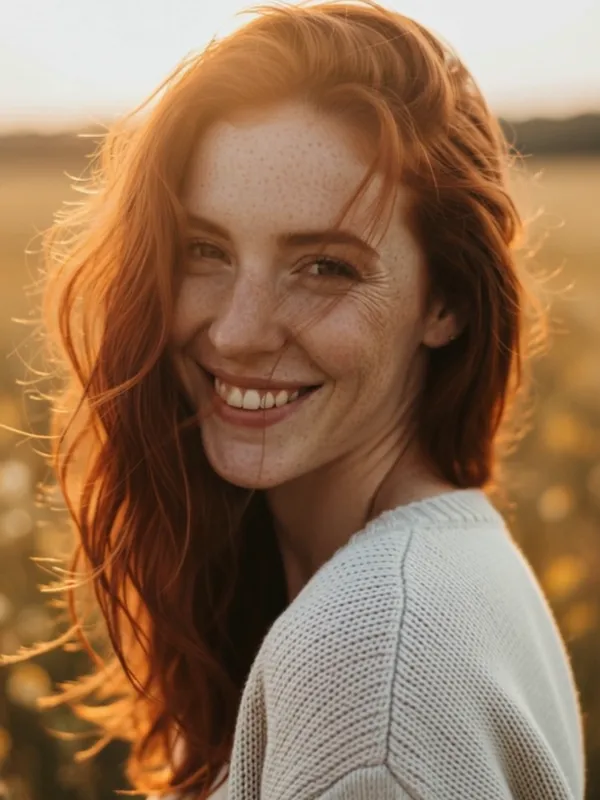
Photo to video AI free result — the portrait animated, she turns and smilesAFTER

Portrait — Kling 2.1, 5s: “She turns her head toward the camera and smiles, hair moving in a gentle breeze”
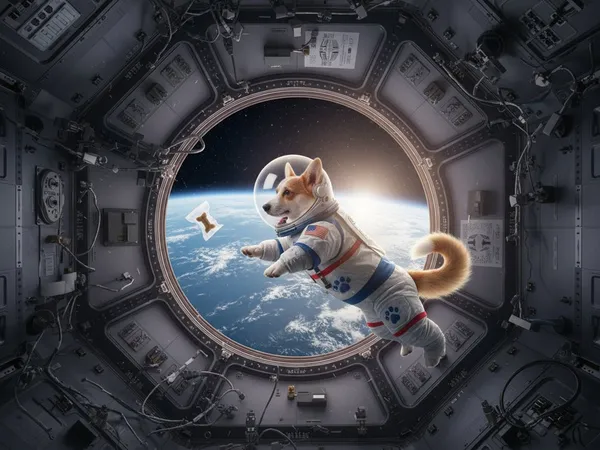
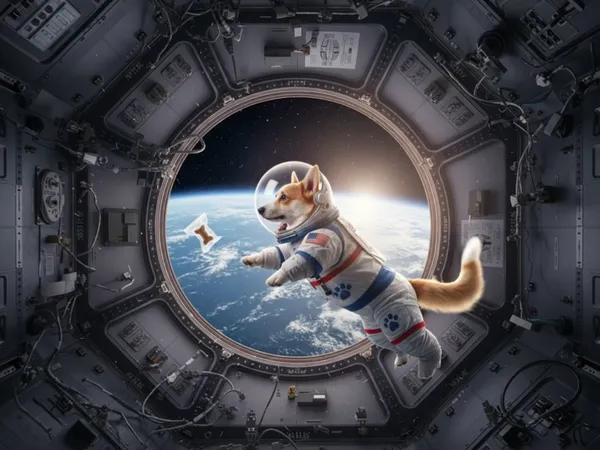
Photo to video AI free input — corgi astronaut photo in a space stationBEFORE
Photo to video AI free result — the corgi floats, ears flapping, treat drifting pastAFTER

Pet — Kling 2.1, 5s: “The corgi floats gently in zero gravity, tail wagging, the treat drifting past its nose”
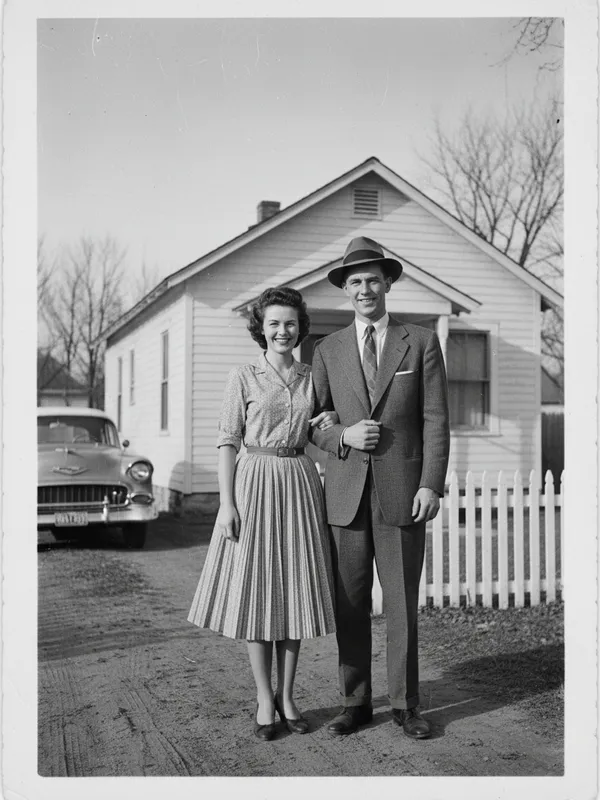
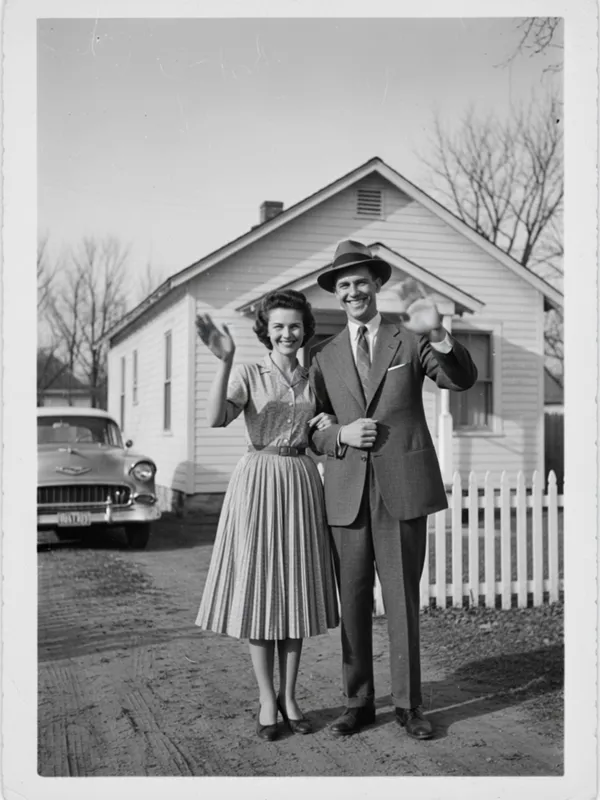
Photo to video AI free input — 1950s black and white family photographBEFORE
Photo to video AI free result — the old photo comes to life, the couple wavesAFTER

Old photo revive — Kling 2.1, 5s: “The couple comes to life: they smile and wave gently, soft vintage film flicker”

Questions fréquentes
Is photo to video AI really free?

Yes to start: new accounts get free credits on signup, no credit card required — enough for several videos (a 5-second Kling 2.1 or Hailuo animation costs 25 credits, about $0.25 in paid terms). Failed generations are refunded automatically, and nothing you make is watermarked, including free-credit outputs.

Do the videos have a watermark?

No. Every video downloads clean at every tier — no corner logo, no branded outro. Your photo, your video, ready for clients or social media as-is.

What kind of photos work best?

Sharp, well-lit photos with a clear subject: portraits, pets, products, travel scenes. Face-forward portraits animate especially well. Very busy collages, heavy filters or tiny low-resolution images give the model less to work with.

Can I bring old family photos to life?

Yes — it is the single most popular use. Upload a scanned photo and use the Old Photo Revive effect (or just prompt “subtle natural motion, gentle smile, restored color”). Black-and-white and slightly damaged photos work; the model animates what it can see.

How long can the video be?

Three to fifteen seconds per generation depending on the model — and you can chain further: run the result through Video Extend to continue the motion past the end, repeatedly, to build 30-second-plus sequences.

Will my photo be moved exactly as I describe?

Describe motion, not a new scene: the models keep your photo as the literal first frame and animate from it. “She waves and laughs” works; “put her on a beach instead” is an editing job — do that in Image to Image first, then animate the edit.

Can I make my pet dance?

Yes — the Pet Dance effect is one click: upload the photo, pick the template, generate. For custom moves, prompt Kling 3.0 with the exact motion (“the cat stands up and sways left and right in rhythm”).

What formats do I get for TikTok, Reels and Shorts?

Vertical 9:16 is natively supported by every animation model here — no cropping. Square 1:1 and widescreen 16:9 are one click away, and downloads are standard MP4 files that upload anywhere.

Photo to video vs image to video — is there a difference?

Same technology, same tool — “photo to video” is what most people search when animating real photos, “image to video” covers any picture including AI-generated ones. This page and our Image to Video page run the identical engine; use whichever wording feels natural.

Is my photo used to train AI or shared anywhere?

Your uploads are used only to run your generation. Results appear in your private Assets library; provider-side temporary files expire after about 14 days. Download anything you want to keep permanently.

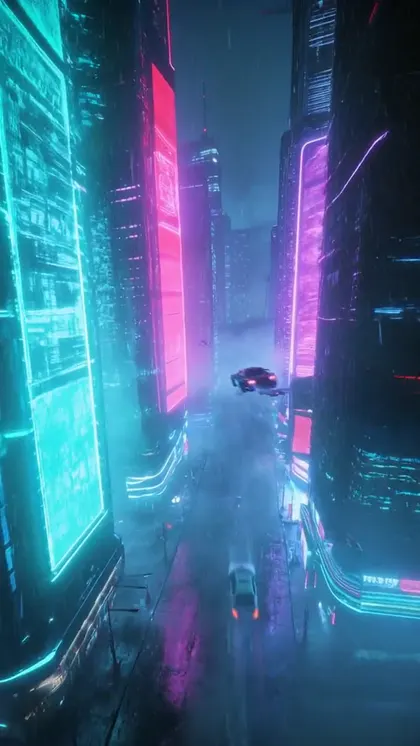
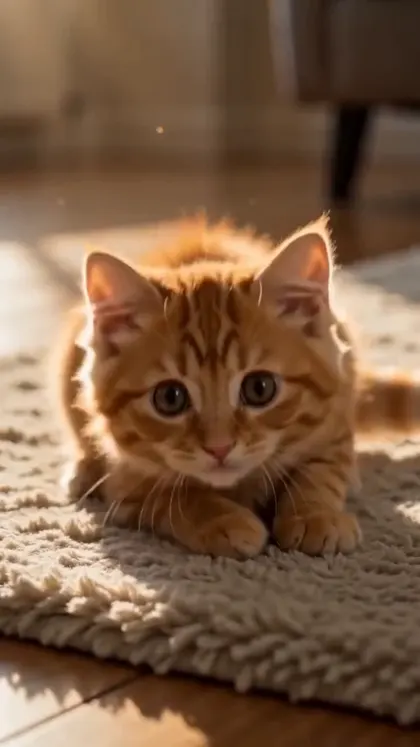
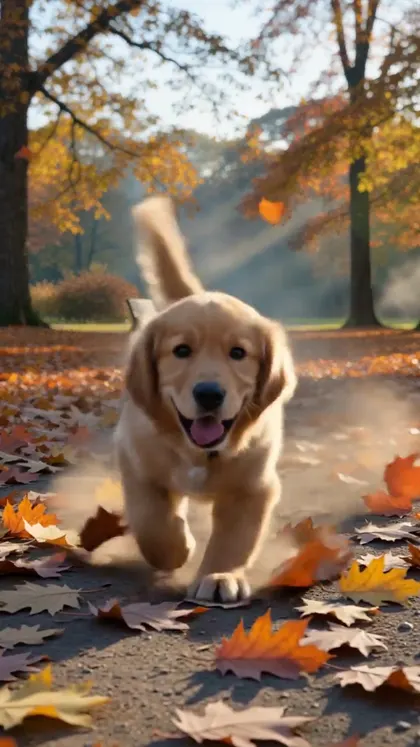
Photo to video AI free — snow leopard photo animated into a walking videoPhoto to video AI free — cyberpunk city image animated into a flythroughPhoto to video AI free — kitten chasing a laser dot, vertical video framePhoto to video AI free — golden retriever puppy running through autumn leaves

Looking for another tool? Head back to the studio dashboard or browse all AI models.