 CreateGlow
Photo to Video AI Free — Turn Images into Videos Instantly
Photo to video AI with no watermark — sign in, choose your settings, animate portraits, old photos and pets, and download a clean video.
30+
AI video & image models in one studio
0
watermarks on any output
100%
failed generations auto-refunded
Verfügbare Modelle
Photo to Video AI Free No Watermark — What That Means
No credit card is needed to start. Sign in, choose your settings, upload a photo, describe the motion, and download a clean video with no watermark. Welcome offers depend on current availability and account eligibility; check the studio for the amount and claim window.
Portraits, old family photos, pets and products all work. Your upload remains the first frame while the selected AI model animates forward from it.
The magic is in what people animate. Old family photos are the most moving use case — a faded snapshot of your grandparents becomes ten seconds of them smiling and turning toward the camera (our one-click Old Photo Revive effect is tuned exactly for this). Portraits become blinking, breathing videos that stop thumbs on Instagram. Product shots turn into slow camera orbits that look like a studio rig. Pets do the things pets do, on cue. Travel photos regain their weather: clouds roll, water glitters, crowds move.
Getting a good result is mostly about the sentence you type. The photo fixes the first frame — composition, subject, lighting are locked in — so your prompt only has to describe motion: “she turns her head and smiles”, “slow push-in, snow starts to fall”, “the coffee steams, camera slides right”. Small, physical, camera-aware descriptions beat vague ones. If you skip the prompt entirely, the model invents tasteful ambient motion, which is often exactly right for memories.
Model choice changes the personality of the motion. Kling 3.0 is the people specialist — expressions, gestures and dance look natural, and it adds synchronized sound effects. Seedance 2.0 follows multi-step directions best and stays coherent when a lot moves at once. Veo 3.1 gives the most cinematic light and camera work with native audio. Hailuo 2.3 and Kling 2.1 are the budget picks at 5 credits per second — perfect for testing which photos animate well. HappyHorse and Wan 2.7 render true 1080p for detail-critical shots.
Welcome offers depend on current availability and account eligibility; check the studio for the amount and claim window. Failed generations refund automatically. Clips run 3 to 15 seconds depending on the model, in vertical 9:16, square or widescreen. When a result deserves more, chain the tools: extend it with Video Extend, restyle it with Video to Video, or generate a brand-new starting frame with Text to Image and animate that.
So funktioniert's
- 1
Upload your photo above — a sharp subject and simple background animate best; portraits, pets and products are ideal.
- 2
Describe the motion in one or two sentences: what the subject does, then the camera (“slow zoom in”, “orbit left”). Leave it empty for natural ambient motion.
- 3
Pick a model: Kling 3.0 for people and expressions, Seedance 2.0 for complex directions, Veo 3.1 for cinematic light, Hailuo or Kling 2.1 to test cheaply.
- 4
Choose duration and format — 9:16 vertical for TikTok, Reels and Shorts; 16:9 for YouTube.
- 5
Hit Generate. Most photos become video in one to three minutes; the price in credits is shown on the button before you click.
- 6
Download the clean, watermark-free video — or send it onward to Video Extend to make it longer.
Weitere KI-Tools
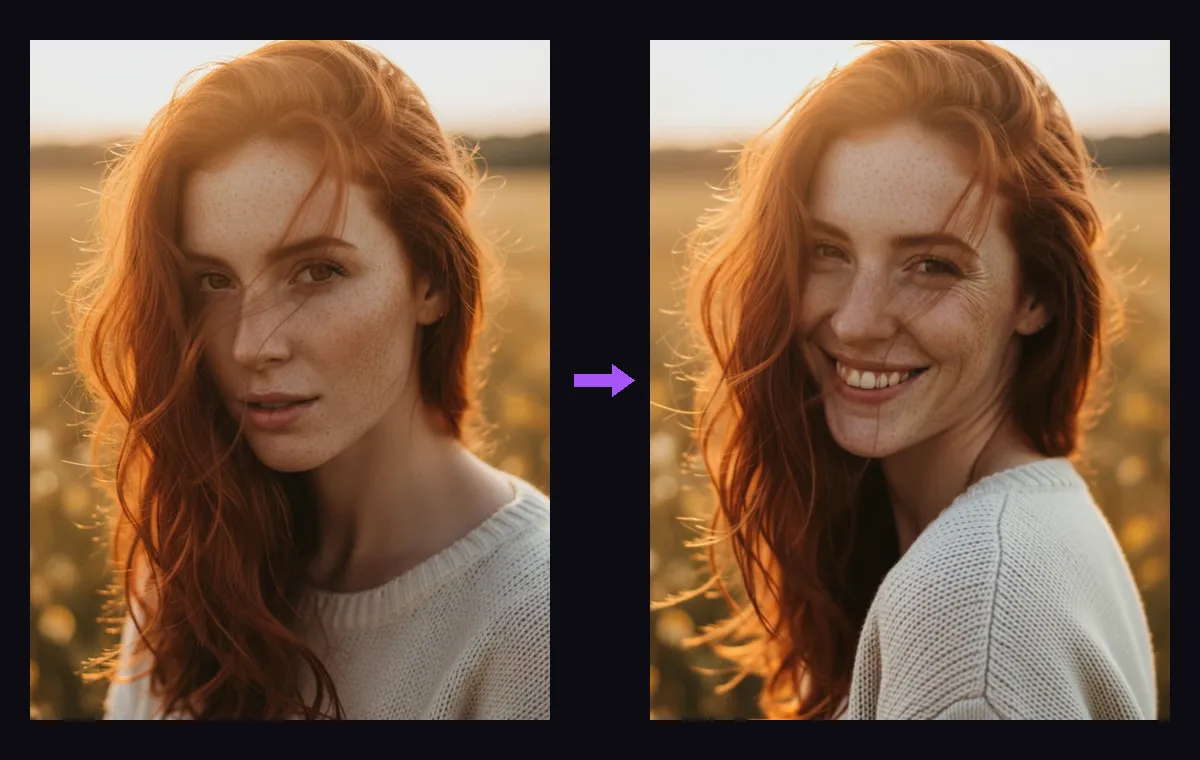
Real photo to video examples — made with this exact tool
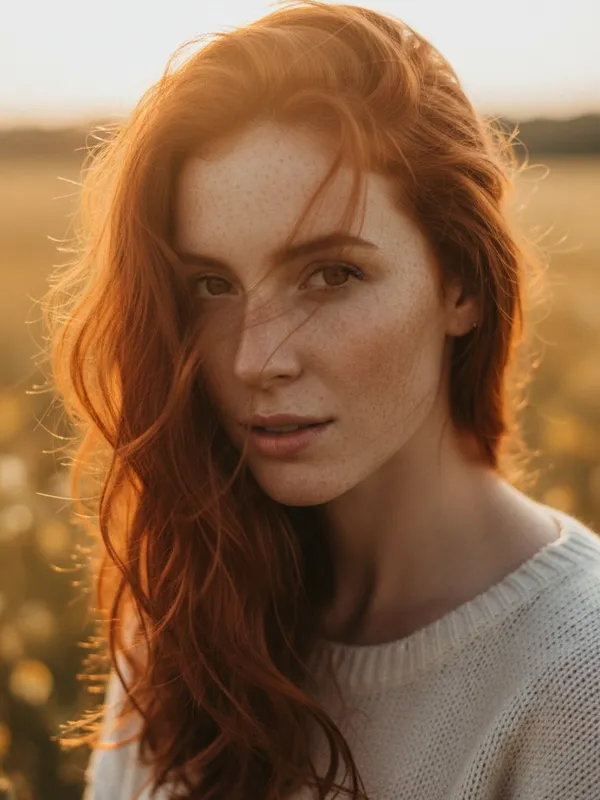 BEFORE
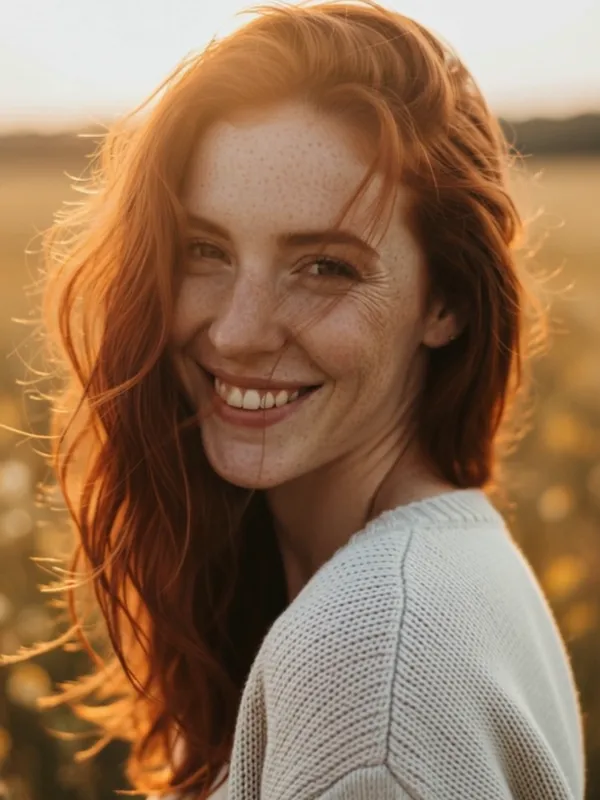 AFTER
AFTERPortrait — Kling 2.1, 5s: “She turns her head toward the camera and smiles, hair moving in a gentle breeze”
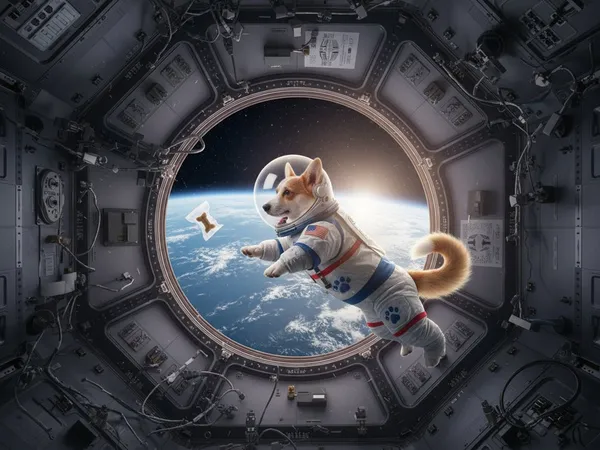 BEFORE
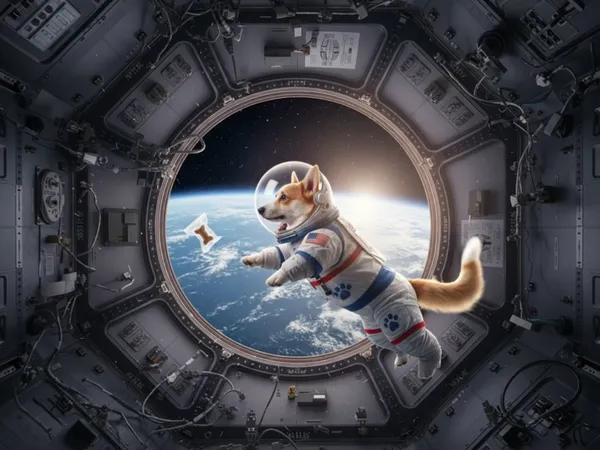 AFTER
AFTERPet — Kling 2.1, 5s: “The corgi floats gently in zero gravity, tail wagging, the treat drifting past its nose”
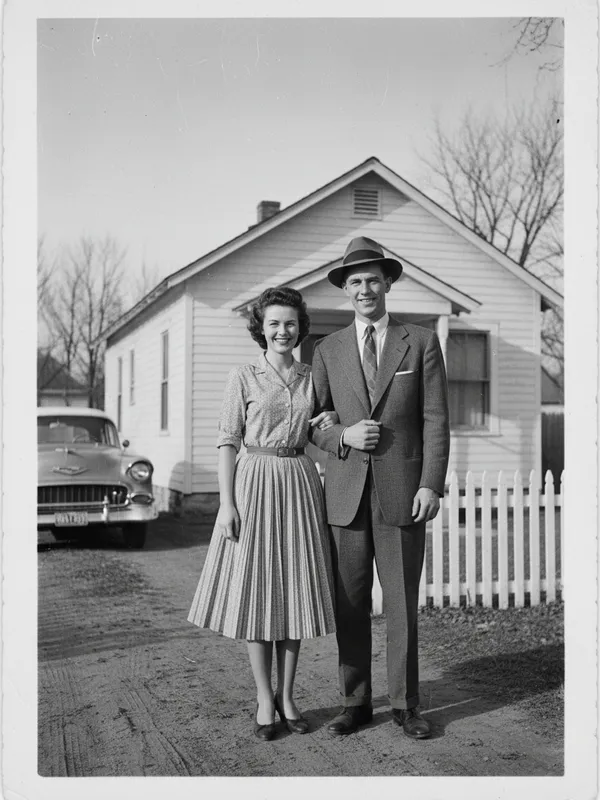 BEFORE
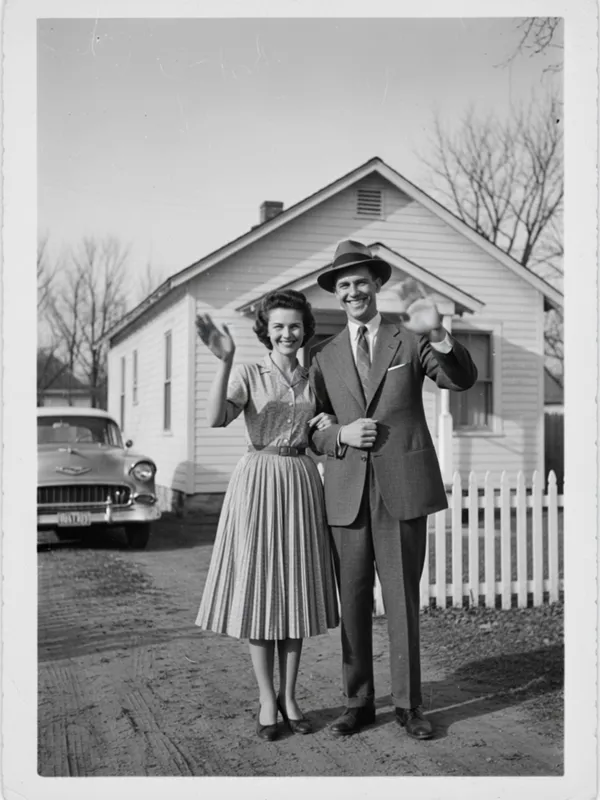 AFTER
AFTEROld photo revive — Kling 2.1, 5s: “The couple comes to life: they smile and wave gently, soft vintage film flicker”
Häufige Fragen
Looking for another tool? Head back to the studio dashboard or browse all AI models.