工作台模式

AI Image to Video Generator — Animate Any Picture Online

One AI image to video generator, seven engines: Kling 3.0, Google Veo 3.1, Seedance 2.0, HappyHorse, Wan 2.7, Hailuo and Grok. Compare them on the same image, up to 1080p with audio, no watermark. Free credits on signup.

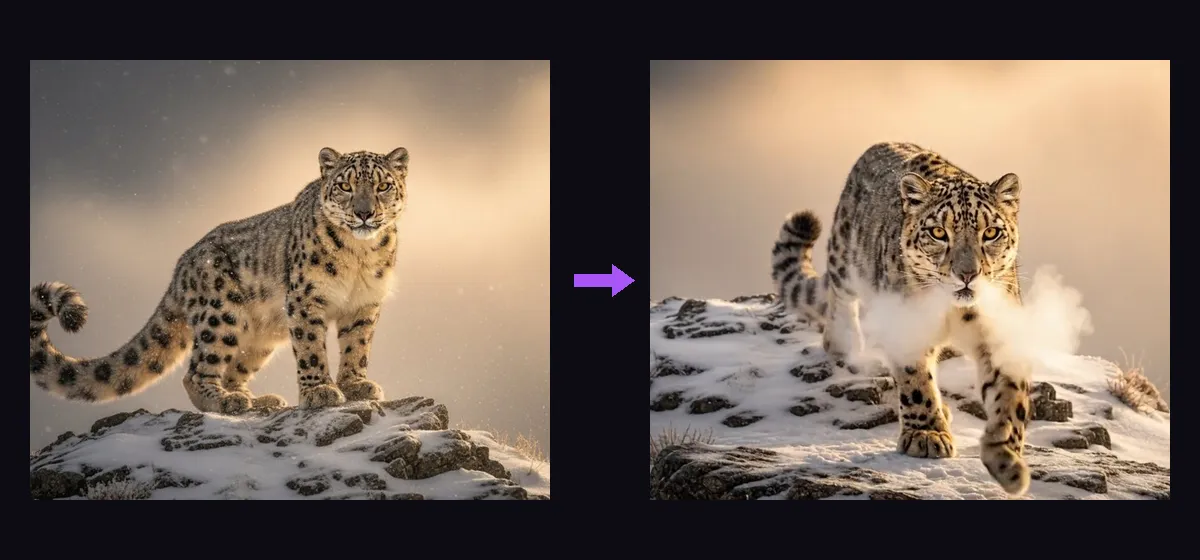
AI image to video generator example — a snow leopard photo animated into a walking video

Great quality at speed, with audio. Best default for effects.

Upload, drop, or paste an image
or use a URL

生成失败自动退回积分。请仅使用你有权使用的素材。

你的视频将在这里展示。

30+

AI video & image models in one studio

0

watermarks on any output

100%

failed generations auto-refunded

可用模型

Seedance 2.0 Fast

best

Great quality at speed, with audio. Best default for effects.

165 credits · 5s

Seedance 2.0

Flagship quality up to 4K, native audio, 4–15s clips.

205 credits · 5s

Veo 3.1 Fast

new

Google's Veo 3.1 fast tier — native audio, reference-image support.

40 credits

Veo 3.1

Google's flagship Veo 3.1 Quality — top fidelity, native audio.

235 credits

Veo 3.1 Lite

Google video at pocket price — same engine, lite tier.

25 credits

Kling 3.0

new

Kuaishou flagship — pro 1080p with sound effects, 3–15s.

135 credits · 5s

HappyHorse 1.1

new

Cinematic realism at native 1080p, 3–15s clips.

145 credits · 5s

Grok Imagine Video

cheapest

xAI video with audio — up to 30s, unbeatable price.

18 credits · 6s

Grok Imagine 1.5

new

xAI’s next-gen video preview — sharper motion, still 3/s.

24 credits · 8s

Wan 2.7

Alibaba’s newest — native 1080p with audio, 2–15s clips.

120 credits · 5s

Wan 2.2 Turbo

Budget image-to-video. Fast, solid motion.

80 credits

Kling 2.1

The model behind the viral AI hug/dance trend videos.

25 credits · 5s

Hailuo 2.3

Expressive character motion, strong for people and pets.

30 credits · 6s

An AI image to video generator takes a still picture and synthesizes the frames that follow — real parallax, physics and light, not a pan-and-zoom slideshow. The catch: every engine animates differently, and the one you pick matters more than the prompt. That is why CreateGlow is built as a multi-engine generator: Kling 3.0, Google Veo 3.1, Seedance 2.0, HappyHorse 1.1, Wan 2.7, Hailuo 2.3, Kling 2.1 and Grok Imagine all run behind the same upload box, so you can send one image through two or three engines and keep the best take.

Knowing each engine’s character saves real money. Kling 3.0 is the strongest with humans — faces stay stable, gestures look intentional, and it generates matching sound effects; it is the default for portraits and dance. Seedance 2.0 has the best instruction-following for multi-part directions (“she stands, turns, then the camera pulls back”) and holds complex scenes together. Google Veo 3.1 produces the most film-like light and camera motion with native audio, and its Fast tier is the best quality-per-credit flagship. HappyHorse 1.1 and Wan 2.7 render native 1080p with strong physical realism — liquids, fabric, hair. Hailuo 2.3 and Kling 2.1 cost 5 credits per second and are ideal for first drafts; Grok is the cheapest way to test many images at once.

A workflow that consistently wins: draft cheap, finish premium. Run your image on Hailuo or Kling 2.1 first — about 25 credits for 5 seconds — to see how it wants to move. If the motion concept works, rerun the same image and prompt on Kling 3.0 or Veo 3.1 at 1080p for the final. Two drafts plus one premium render usually costs less than half of what blind flagship attempts would, and the final is better because the prompt got debugged on the cheap pass.

Prompting an image-to-video engine is different from prompting text-to-video: the image already answers “what does it look like”, so your words should only answer “what happens”. Name the subject motion first (“the astronaut raises a hand”), then the camera (“slow dolly-in”, “orbit right”), then atmosphere (“dust drifts through the light shaft”). Engines respect the image’s composition — they will not restage your shot — so if the framing is wrong, fix the image first in Image to Image, then animate.

The generator supports 3–15 second clips, vertical 9:16 through widescreen 16:9, resolution selectable per engine up to 1080p, with per-generation pricing shown on the button before you commit. Outputs download watermark-free and are yours commercially. And because CreateGlow also hosts text-to-image models, the full pipeline lives on one site: generate a character with Nano Banana, animate it here, extend it with Video Extend, restyle it with Video to Video.

使用方法

  1. 1

    Upload the picture you want to animate — a photo, a render, or an image generated in our Text to Image tool.

  2. 2

    Write the motion, not the scene: subject action first, camera move second, mood third. The image already defines the look.

  3. 3

    Pick an engine for the job — Kling 3.0 for people, Seedance 2.0 for complex directions, Veo 3.1 for cinematic light, Hailuo/Kling 2.1 for cheap drafts, Wan 2.7 or HappyHorse for native 1080p.

  4. 4

    Set duration, aspect ratio and resolution; the exact credit price updates live on the Generate button.

  5. 5

    Generate, compare, iterate — rerun the same image on a second engine and keep the better take.

  6. 6

    Download the clean MP4, or push the result into Video Extend or Video to Video to keep building.

更多 AI 工具

One image in, real animations out — engine for engine
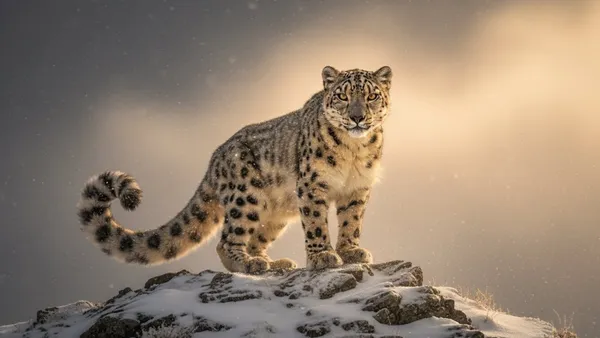
AI image to video generator input — snow leopard still image on a snowy ridgeBEFORE
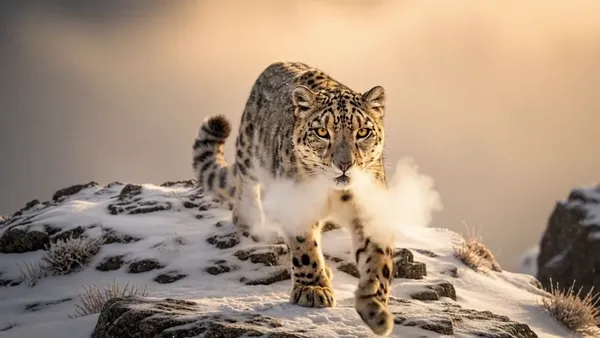
AI image to video generator result — the leopard walks toward the camera through snow, Grok ImagineAFTER

Wildlife — Grok Imagine: “The leopard pads toward the camera through falling snow, breath visible”
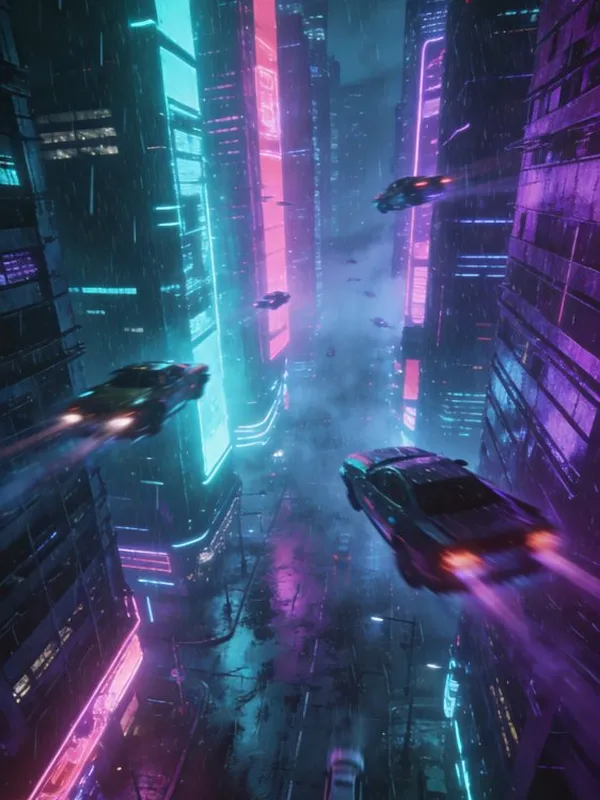
AI image to video generator input — cyberpunk megacity still generated with SeedreamBEFORE
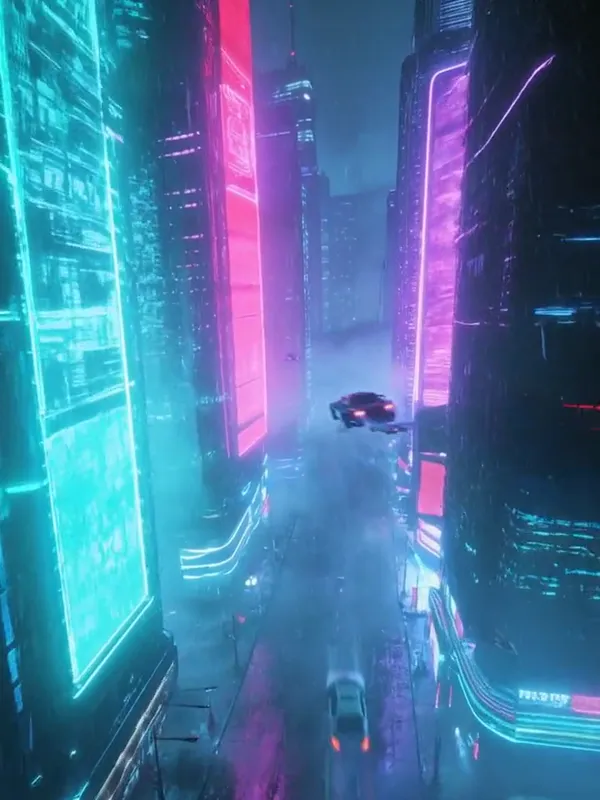
AI image to video generator result — cinematic flythrough of the neon canyon, Hailuo 2.3AFTER

Scene — Hailuo 2.3: “Slow cinematic push through the neon canyon, rain streaking past” (image made in our Text to Image tool)
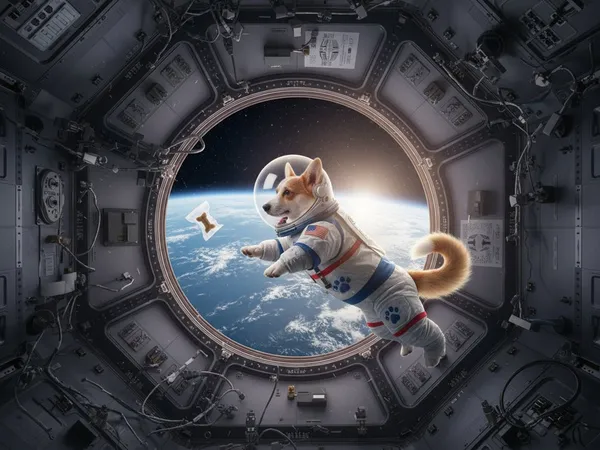
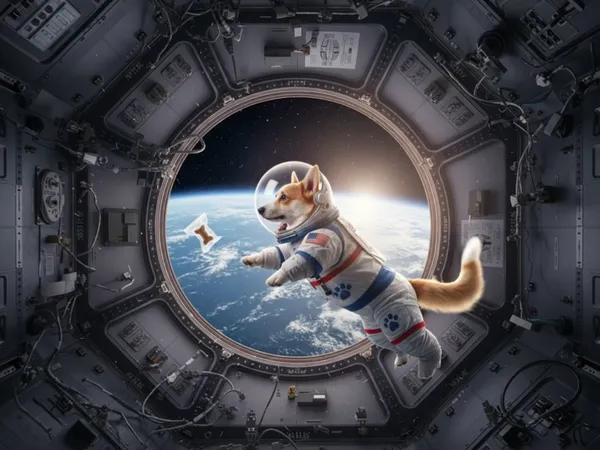
AI image to video generator input — corgi astronaut image in a space stationBEFORE
AI image to video generator result — the corgi floats weightless, ears flapping, Kling 2.1AFTER

Character — Kling 2.1: “The corgi floats gently in zero gravity, tail wagging, the treat drifting past”

常见问题

Which AI image to video generator is best?

It depends on the image. For people and expressions: Kling 3.0. For multi-step directions and busy scenes: Seedance 2.0. For cinematic light and audio: Google Veo 3.1. For native 1080p realism: Wan 2.7 or HappyHorse 1.1. For volume drafting: Hailuo 2.3, Kling 2.1 or Grok. CreateGlow exists so you can test this on your own image instead of trusting a blog post.

How much does it cost to animate an image?

Real numbers: 5 seconds on Kling 2.1 or Hailuo is 25 credits (~$0.25), 5 seconds on Kling 3.0 with sound is 135, an 8-second Veo 3.1 Fast is 40, Wan 2.7 at 1080p is 120 for 5 seconds. Credits are about one cent each, prices show before you generate, and failures refund automatically.

Can it generate audio with the video?

Yes on several engines: Kling 3.0 adds synchronized sound effects, Veo 3.1 and Seedance 2.0 generate native ambience and effects. Engines without audio still export standard MP4s you can score in any editor.

What resolution can I get?

Selectable per engine: 480p and 720p everywhere for drafts, native 1080p on Kling 3.0, Veo 3.1, Wan 2.7, HappyHorse and Seedance 2.0. Higher resolutions cost proportionally more credits and the exact price is always shown first.

Does the generator change my image before animating it?

No — your image is the literal first frame. Engines animate forward from it and preserve composition, subject and style. To change the look itself, edit in Image to Image first, then animate the edited version.

Can I animate AI-generated images?

Absolutely — it is the strongest workflow on the site: generate a frame with Nano Banana, GPT Image 2 or Seedream in Text to Image, then animate it here. Because the frame is exactly what you approved, the video starts from a perfect composition.

How do I make clips longer than 15 seconds?

Generate the first clip here, then run it through Video Extend — it continues the motion past the last frame. Chain extends to build 30-second-plus sequences scene by scene.

Is there a watermark on the videos?

No watermark at any tier, including videos made with free signup credits. Downloads are clean MP4 files ready for commercial use — you own the outputs.

Why do results differ between engines on the same image?

Each engine was trained with different data and motion priors: some favor camera movement, some favor subject movement, some invent more. That variance is exactly why running two engines on one image beats rerolling one engine twice — you sample different imaginations, not the same dice.

What images should I avoid?

Extremely low resolution, heavy text overlays, and collages of many small subjects animate poorly. One clear subject with room to move gives every engine its best shot; 720p-plus source images noticeably improve output sharpness.

Looking for another tool? Head back to the studio dashboard or browse all AI models.